
The app

NeuroHarmonics for Android.

A deliberately simple app. Pick a band, put on your headphones, listen.

Get it on Google Play

What it does

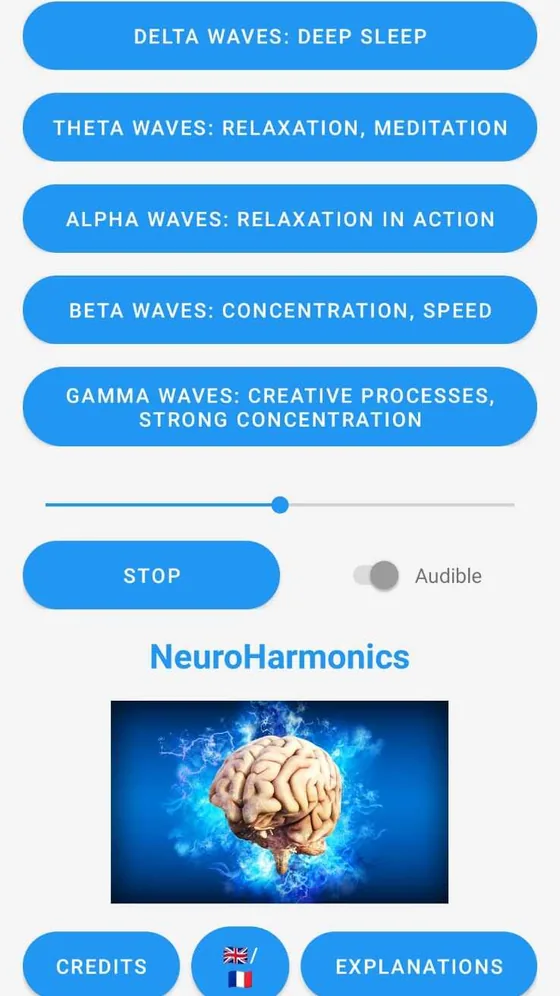
  • Five sessions, one per band: delta, theta, alpha, beta and gamma.
  • A volume control and a stop button, always within reach.
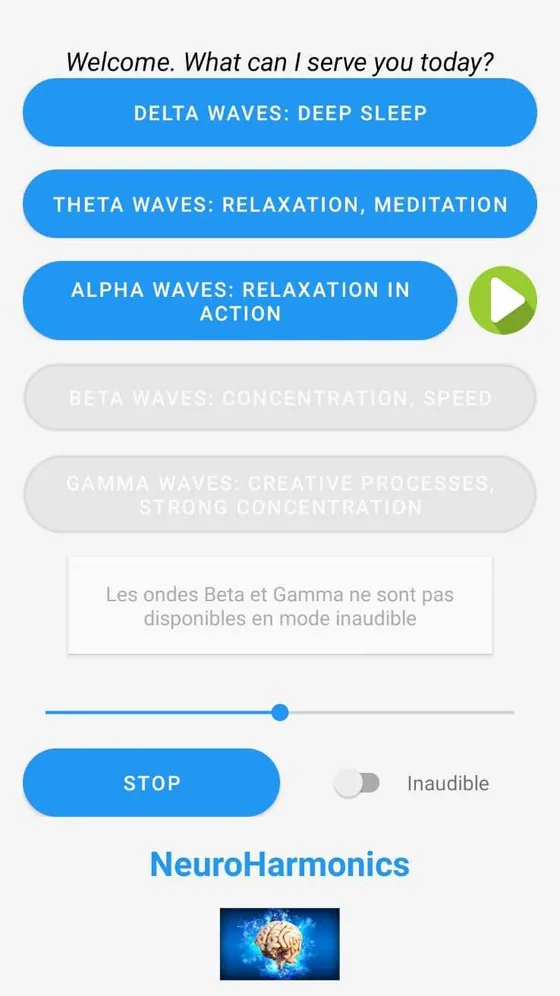
  • An audible mode and an inaudible mode.
  • A French and English interface, with built-in explanations.
  • PriceFree
  • AccountNone needed
  • DataNone collected
  • PlatformAndroid
  • LanguagesFrench, English
Main screen of the app: five buttons, one per brainwave band, a volume slider and a Stop button.
Fig. 1 — The main screen: one band per button.
The app in inaudible mode: the beta and gamma buttons are greyed out.
Fig. 2 — In inaudible mode, the beta and gamma bands are disabled.

Frequently asked questions

Do I really need headphones?

Yes. A binaural beat comes from the difference between what each ear hears. On speakers, the two tones mix before reaching your ears and the effect disappears. Ordinary earphones are fine.

Is there an iPhone version?

No. NeuroHarmonics is only available on Android, through the Google Play Store.

Does the app collect my data?

No. No account, no location, no data sent anywhere. Everything is detailed in the privacy policy.

Does it cost anything?

No, the app is free.

Does it actually work?

Research is encouraging on some points and mixed on others. We've summarised what is known, honestly, on the Understand page.

Before you listen

  1. Headphones or earphones are essential. On speakers, the binaural effect disappears.
  2. Keep the volume moderate. The beat is easy to perceive at low volume.
  3. Never while driving or operating machinery: some bands encourage drowsiness.
  4. Epilepsy, heart condition, pregnancy: ask a doctor before using the app.
  5. This is not a treatment. NeuroHarmonics does not replace any medical advice or care.